8 Best AI Explainer Video Platforms for Business, Startups & Agencies
Explainer videos have become one of the easiest ways for brands to share ideas, show value, and turn viewers into customers. With AI removing the pain of scripting, recording, and editing, businesses can now create high-quality videos even without a production team. Below is a detailed guide to the eight best AI explainer video tools that help companies scale content fast.
1. Invideo
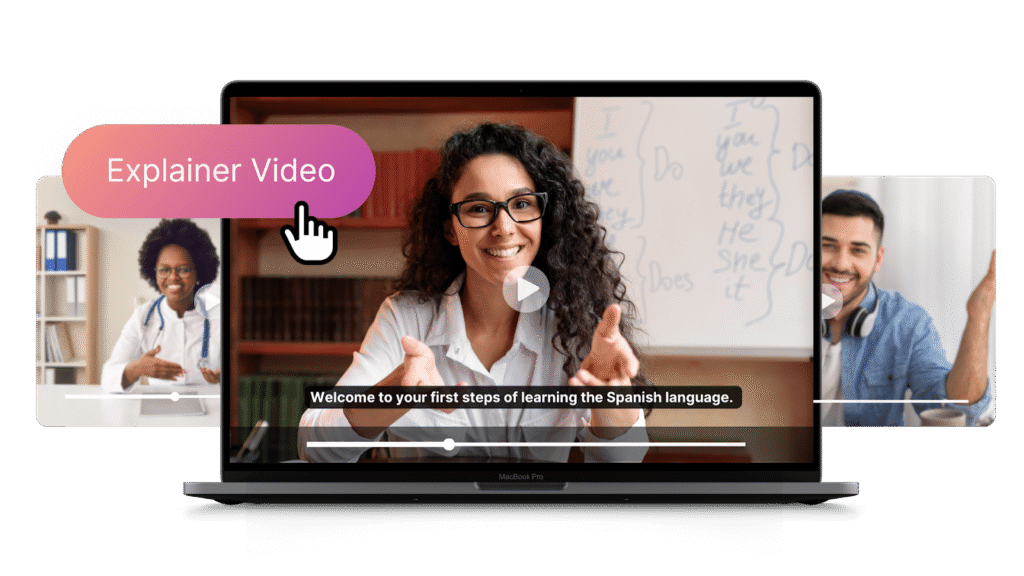
Invideo is one of the most popular platforms for teams that want quick, sharp, and studio-grade explainer videos without needing editing skills. It can turn simple prompts into complete videos with scenes, text, voiceovers, and motion visuals. What makes it powerful for brands is how it blends automation with control—so teams can edit everything while still saving hours of effort.
In the middle of this workflow, invideo also offers an explainer video maker that makes it easy to create structured videos for product demos, onboarding, app tutorials, and pitch decks. This is one of the fastest tools for startups and agencies that need to scale content across platforms.
Features
- Turns text prompts into full videos
- AI-generated voiceovers in multiple languages
- Built-in stock footage and graphics
- Multi-scene editor for detailed customization
- Script generation for business-ready stories
Pros
- Very fast content creation
- Great for marketing, product teams, and agencies
- Easy to edit even after AI creates the video
Cons
- Needs a good prompt for best results
- Some advanced edits still require manual adjustments
2. Lumen5
Lumen5 focuses on turning blogs, articles, and written content into ready-to-publish explainer videos. It’s great for businesses that publish a lot of text-based content and want to repurpose it into video format.
Features
- Auto-summary of long text
- Scene creation with matching visuals
- Built-in asset library
- Simple drag-and-drop timeline
Pros
- Perfect for content repurposing
- Easy for non-video teams
- Good for corporate communication
Cons
- Creative control is limited
- Fewer advanced editing options
3. Animoto
Animoto is a simple tool for producing clean explainer videos fast. It’s widely used by small teams that need quick social media videos and basic product explainers.
Features
- Ready-made storyboards
- Music and text overlay tools
- Drag-and-drop interface
Pros
- Very easy to learn
- Good for lightweight projects
Cons
- Less powerful for heavy branding
- Limited animation features
4. Biteable
Biteable is known for its bright, animated style that works well for awareness campaigns and internal communication. It offers a wide range of characters, icons, and animated scenes.
Features
- Large library of animated scenes
- Clean, modern character designs
- Text and motion presets
Pros
- Great for HR, training, and onboarding
- Quick setup and fast creation
Cons
- Best for simple videos only
- Limited export configuration
5. Powtoon
Powtoon gives businesses more expressive, animated options for storytelling. It’s useful for teams that prefer cartoon-style explainers for education or brand messaging.
Features
- Character animations
- Scene transitions
- Voiceover support
- Editable templates
Pros
- Great for lively videos
- Easy for teachers and trainers
Cons
- Not ideal for realistic brand videos
- Interface can feel busy
6. Vyond
Vyond is widely used in training, HR, compliance, and internal learning. It gives more character animation control compared to most no-code AI video tools.
Features
- Lip sync animation
- Custom characters
- Motion paths
- Audio and text tools
Pros
- High-quality character control
- Reliable for corporate training
Cons
- Takes longer to master
- Higher learning curve than simpler tools
7. Videoscribe
Videoscribe is designed for whiteboard-style explainer videos. This style works well for education, SaaS demos, and simplified concepts.
Features
- Hand-drawn animation
- Whiteboard and blackboard style
- Scalable vector scenes
Pros
- Great for learning and tutorials
- Very clear message delivery
Cons
- Niche style
- Not ideal for modern social visuals
8. Renderforest
Renderforest is an all-in-one branding platform with capabilities for logos, websites, and videos. It’s useful for new startups wanting simple explainer videos with ready-made templates.
Features
- Brand kits
- Template-based videos
- Music and animation controls
Pros
- Easy for beginners
- Multiple brand assets in one place
Cons
- Less flexible for deep customization
- Heavy template reliance
Why Explainer Videos Matter for Modern Businesses
Explainer videos help businesses simplify complex ideas, showcase products, and build trust quickly. Customers prefer video over text, and AI tools now make it possible to create these videos without hiring expensive production teams. This helps brands scale content more often and at much lower cost.
In another part of your workflow, you can also explore different video making apps offered by invideo to help teams produce mobile-first content fast. These apps are useful when you need quick edits, vertical formats, or on-the-go publishing.
Final Thoughts
AI explainer video platforms have changed the way businesses communicate ideas. Whether you’re a startup raising funds, an agency making client videos, or a company building training material, these tools help you produce high-quality content without large budgets.
Invideo stands out as the best all-round tool for fast, polished, and scalable explainer videos. But the other tools on the list also offer unique strengths depending on your style, workflow, and needs.